
If golf is your thing, using the right apps on your phone can take your game to a new level. From swing trackers to GPS rangefinders, there’s a whole world of golf apps that make practice and play more useful and fun. Picking which apps are worth your download can be kind of overwhelming just because there are so many options. Here’s my updated list of top golf apps every golfer should have on their phone right now.
Why Golf Apps Matter for Every Golfer
Golf apps aren’t just for the pros; weekend players, total newcomers, and even casual golfers can get plenty of value. With golf becoming more tech-forward every year, these apps help you understand your stats, track improvement, and even find new courses when you travel. Having the right apps cuts out some of the guesswork and makes each round more efficient, whether you’re looking to shave strokes off your game or simply keep score with friends.
I’ve seen how tracking stats has completely changed the way some of my friends approach their practice. When you know your real distances for each club or notice what part of your game needs the most work, it’s easier to actually improve. With apps now offering everything from GPS mapping to social leaderboards, this is a pretty good time to download a couple and see what works for you.
Types of Golf Apps and What They Do
Just searching “golf” in the app store brings up tons of options, but not every app does the same thing. Here’s a quick breakdown of the main types and how they work in real-world play:
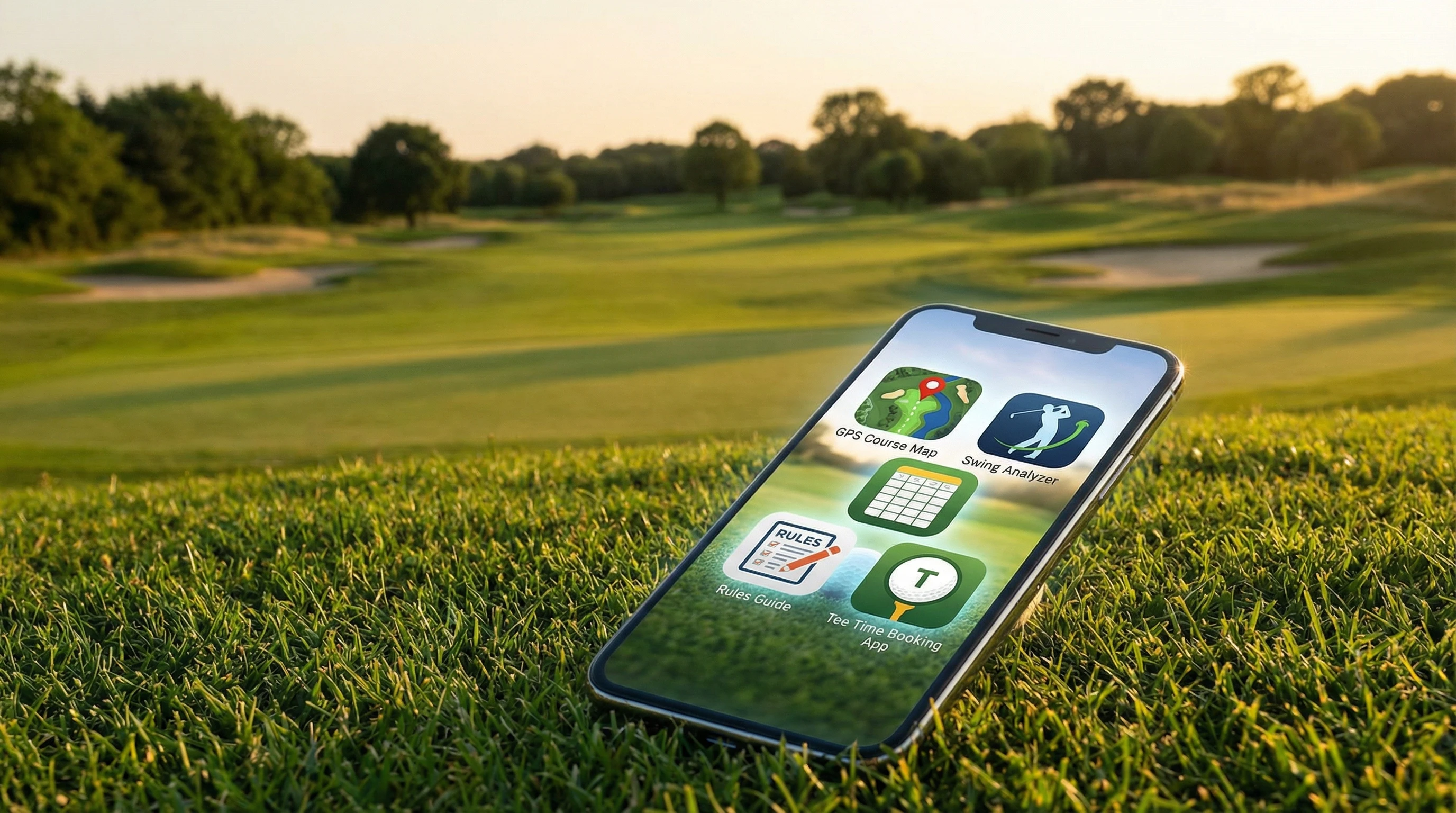
- GPS Rangefinders: These show accurate yardages to the green or hazards, right on your phone. They often map out thousands of courses worldwide.
- Digital Scorecards: Ditch the paper; these let you track scores for your whole group digitally, plus stats on putts, fairways, and more.
- Swing Analyzers: Pair these with your phone’s camera or a separate sensor to break down your swing and spot areas to tweak.
- Golf Instruction: Video lessons, slow motion drills, and training plans from pros all in your pocket.
- Tee Time Bookers: Reserve rounds at local or popular courses, sometimes with special deals or last minute savings.
- Social & Handicap Trackers: Connect with friends, create tournaments, and keep your official handicap up to date.
The best part is that a lot of my favorite apps manage to do several of these jobs at once, which means less gear and fewer distractions when I’m out on the green.
Best Overall Golf Apps Worth Downloading
With so many options out there, here are a few golf apps that I’ve found are really worth checking out for different needs and playing styles:
- Golfshot Golf GPS: I like Golfshot for its clean interface and reliable GPS, with distances for more than 45,000 courses. It even offers shot tracking and automatic stat collection, which is pretty handy for keeping tabs on your progress.
- Hole19: This free app is perfect for casual players but has plenty of tools for those who want more detail. The course database is huge, the digital scorecard is simple to use, and the design is super clean. It’ll also connect you with friends, and the social leaderboard is surprisingly fun.
- Arccos Caddie: This one works best with Arccos smart sensors, but the app itself is next level. It tracks thousands of data points in your game and acts like a virtual caddie to help you choose clubs and manage course strategy. There’s a subscription fee, but for serious improvement, it’s worth considering.
- 18Birdies: Another solid app with GPS, stats, digital scorecard, and even AI-powered tools to help pick the right club. You can book tee times, enter side games, and even take part in community tournaments.
- The Grint: Especially good if you want an official handicap without joining a country club. The Grint verifies your scores, keeps your USGA-compliant handicap, and provides tons of stats tracking. It’s easy to use with any skill level.
I’ve tried each of these on real courses, and while the right fit might depend on what features you need or how much you want to pay, even the free versions are impressive. If you experiment a bit, you’ll find one that syncs up perfectly with your play and preferences.
Setting Up and Getting the Most From Your Golf Apps
Getting started with golf apps doesn’t require a lot; just your smartphone and a little patience to set things up. Most apps will ask you for basic details (like your handicap, favorite courses, or club distances) to give the most accurate feedback. If you want full swing tracking, some platforms sell sensor kits that connect via Bluetooth. I usually recommend:
- Creating your profile and adding favorite courses right away for instant access.
- Entering your last few scores and stats so the app can start analyzing trends.
- Connecting with friends if the app has social/tournament features, since playing with friends keeps things more fun and competitive!
- Enabling GPS permissions so your app can show real-time yardages on the course.
- Keeping your phone charged, since GPS apps use a fair bit of battery during a full round.
If you’re really into numbers, some apps even work with Apple Watch or Android smartwatches, so you can check distances or update your score without pulling out your phone. It’s especially handy for fast play or checking stats on the move.
Things to Think About Before Picking Your Golf Apps
Not every golf app is the best fit for every golfer. Here’s what I usually look at before committing to one:
- Course Coverage: Make sure your favorite courses are in the app’s database; most top ones have tons of options, but it never hurts to check.
- Cost: Many apps are free, though advanced features may cost a few bucks per month or have a one-time fee.
- Accuracy: The best GPS apps tend to be spot-on for distances, but free apps can sometimes lag or give off numbers, so read recent user reviews before heading out.
- Privacy and Data: Since these apps track your scores, stats, and sometimes even audio, look at privacy settings and terms before sharing personal info.
- Compatibility: Some swing tracking or sensor apps only work with certain phone models or require extra equipment, so a quick double-check can save you some hassle.
Personal experience has taught me to start with a couple of free apps, play a round or two using both, and see what feels the most comfortable. Most of the time, one will stand out for its ease of use or extra features. Comparing your experience on a test round is a handy way to see which app fits you best.
Course Coverage
It’s really important that your app actually works at your favorite club. Most toptier apps let you search course lists before downloading, and adding your regular spots as favorites means faster access every time you play. If you play at several clubs, look for apps that let you save multiple courses to make it easy to jump between locations.
Accuracy and Battery Life
Most phone based GPS apps compete well with laser rangefinders, but your phone’s accuracy and battery can both affect results. To get the best yardages, make sure to keep your phone updated and carry a small power bank for longer rounds. I’ve found turning off background apps helps save battery too, so you won’t miss out on key stats during the last few holes.
Privacy and Data Security
Since so many apps track game stats, swings, location, and even voice inputs, it’s smart to check what info is shared and how it’s stored. Look for apps with clear privacy policies and review permissions during setup. It’s also useful to check app updates regularly for any changes in their policy or added security features.
Tips to Level Up Your Experience With Golf Apps
Ready to get even more from your apps? Here are a few extra ideas based on what’s helped me:
- Explore Practice Modes: Many apps offer on the range drills, tempo training, or simulated course modes you can use on the practice mat at home. These can give a boost to your routine and help you break through plateaus.
- Use Stats Trends: Jump into the analytics section. Spotting which holes trip you up or where you miss fairways most often can help you target the right kind of practice for real improvement.
- Pair With Video: Some swing analyzer apps sync up with your phone’s camera, allowing you to review your form in slow motion. The visual feedback is super useful for making small tweaks that add up to better shots over time.
- Stay Social: Connecting with friends inside the app keeps things motivating, especially for those tournament ladders or just pushing each other to beat your best scores. Friendly competition brings energy to every round.
Mixing and matching apps for different rounds works fine; sometimes I use one app for GPS on tournament days and another for detailed stat breakdowns during solo practice sessions. See what combo suits your style!
Real-World Examples: How Golf Apps Make a Difference
On a trip last year, I needed to find a course near my hotel, book a tee time, and track my round, all from my phone. I used Golfshot for GPS and scoring, then switched to 18Birdies for post-round analytics and booking my next tee time. A few friends in my group tracked handicaps through The Grint, so we could set up our own leaderboard. Even on courses I’d never played, these tools cut down confusion and helped make better shot choices. Finding the best app for the job streamlined the whole experience and made the trip smoother for everyone.
- Course Location and Bookings: Tee time apps are a lifesaver for travel or last minute rounds, letting you nail down your spot without a phone call.
- Scorecard History: Keeping a digital archive helps you spot patterns, see improvement, and brag a little in the group chat. It’s a fun motivator, especially when you beat a personal record.
- Swing Review: Analyzing your videos or data from swing apps on the range means you can get immediate feedback and keep tweaking technique. The on-the-spot corrections really save time in practice sessions.
Frequently Asked Questions
Anyone new to golf apps is bound to have a few questions. Here are some of the common ones I see (and my answers):
Which golf app is best for GPS distances?
Answer: Golfshot and 18Birdies are both solid picks. If you want personalized club suggestions, Arccos Caddie shines with its AI features.
Are golf apps legal to use in tournaments?
Answer: Many amateur tournaments allow GPS yardages but restrict swing analyzers or club suggestions. Be sure to review your tournament’s rules before using any phone based tools.
Do I need to pay for premium versions?
Answer: Free versions are great for casual play, but premium options offer in depth stat tracking, live leaderboards, and extra GPS features. If you’re dedicated to lowering your scores, subscriptions can be worth the money.
Can I use golf apps on my smartwatch?
Answer: Absolutely. Most leading golf apps, including Golfshot and Hole19, have versions for Apple Watch and some Android watches, letting you check distances and scores without your phone.
Wrapping Up: How to Pick the Right Golf Apps for You
Golf apps change the way you play and practice, putting high tech help right in your pocket. With options for GPS, scoring, swing analysis, and booking tee times, you can personalize your setup as much or as little as you want. Try a few out, keep the ones that make your game smoother or just more fun, and don’t be afraid to mix and match for your perfect oncourse toolkit. Your phone might just be your new favorite accessory next time you play a round.